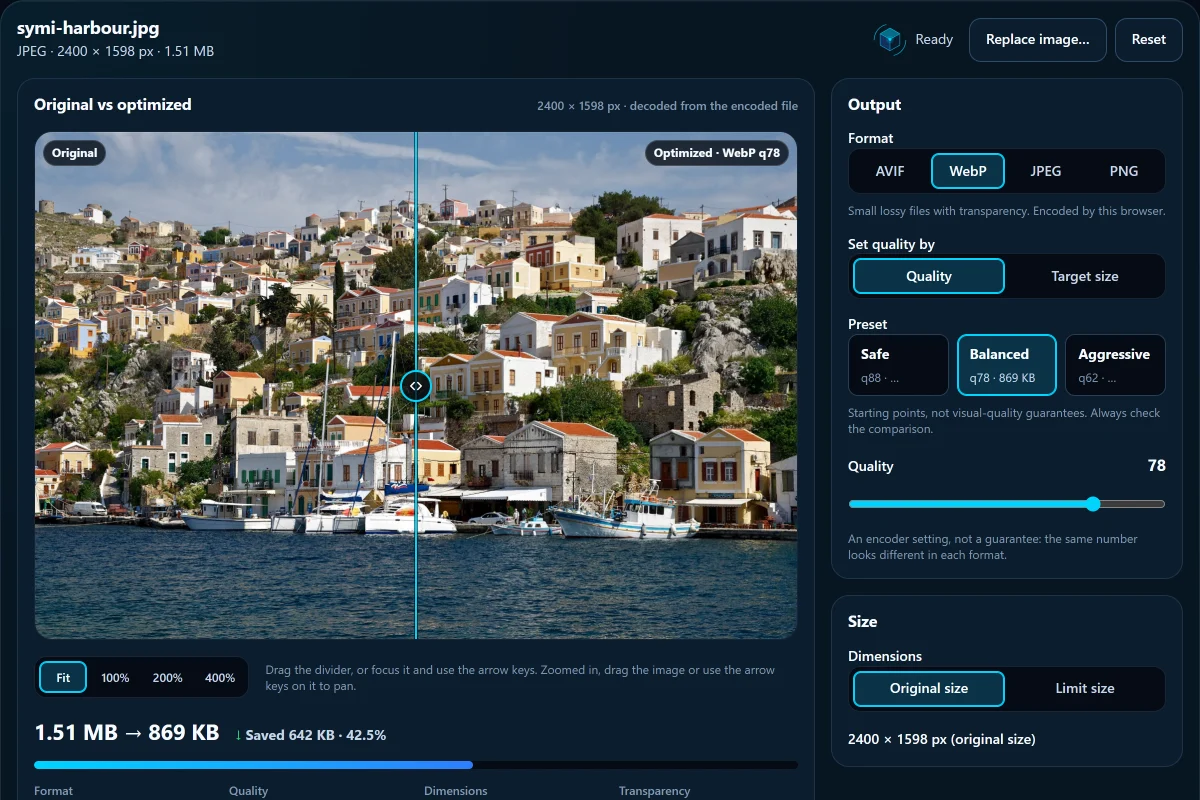
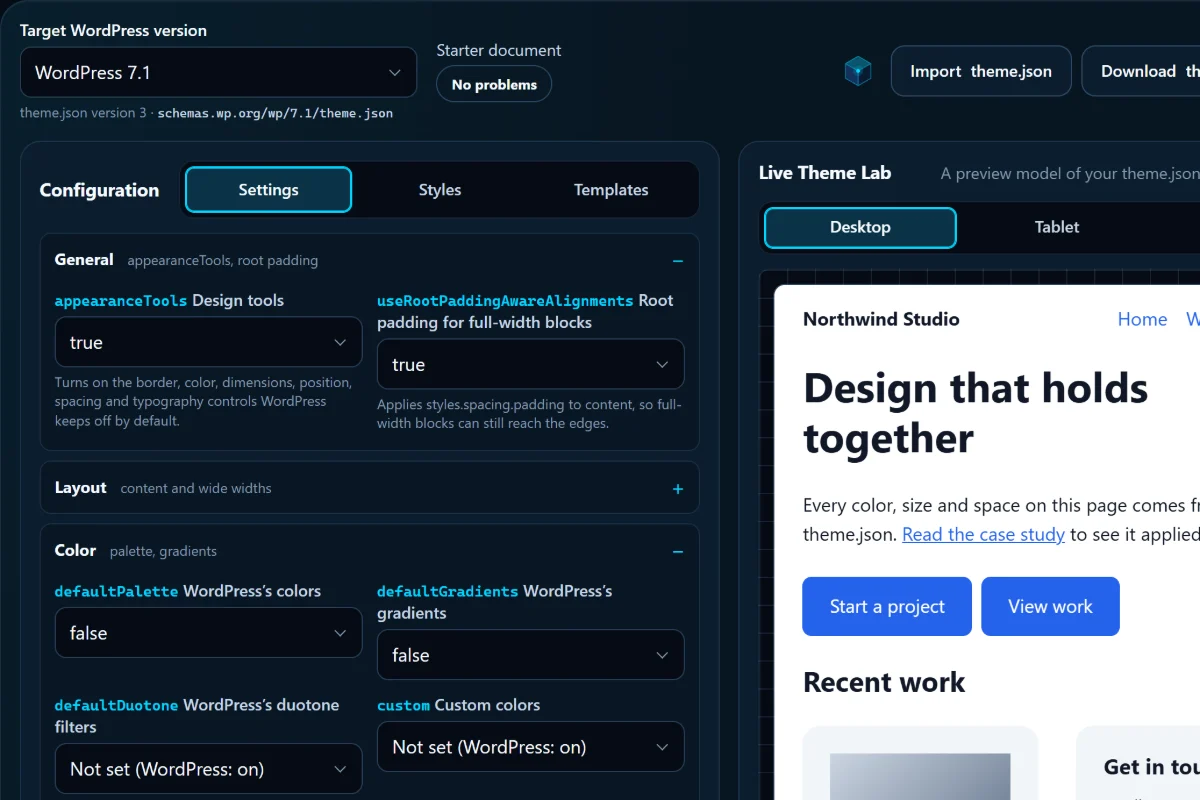
FreeNo accountRuns in your browser

Create. Edit. Convert.

Free online tools for everyday tasks and creative work.

20 focused tools for photos, screenshots, PDFs, CSS and WordPress. Open one, finish the job and download the result. Your files are processed on your device, never uploaded to us.

Playground

Try it before you open a tool

Drag, switch and replay. Every picture here is a file one of our tools actually made, and the divider is drawn live by the generator’s own code.
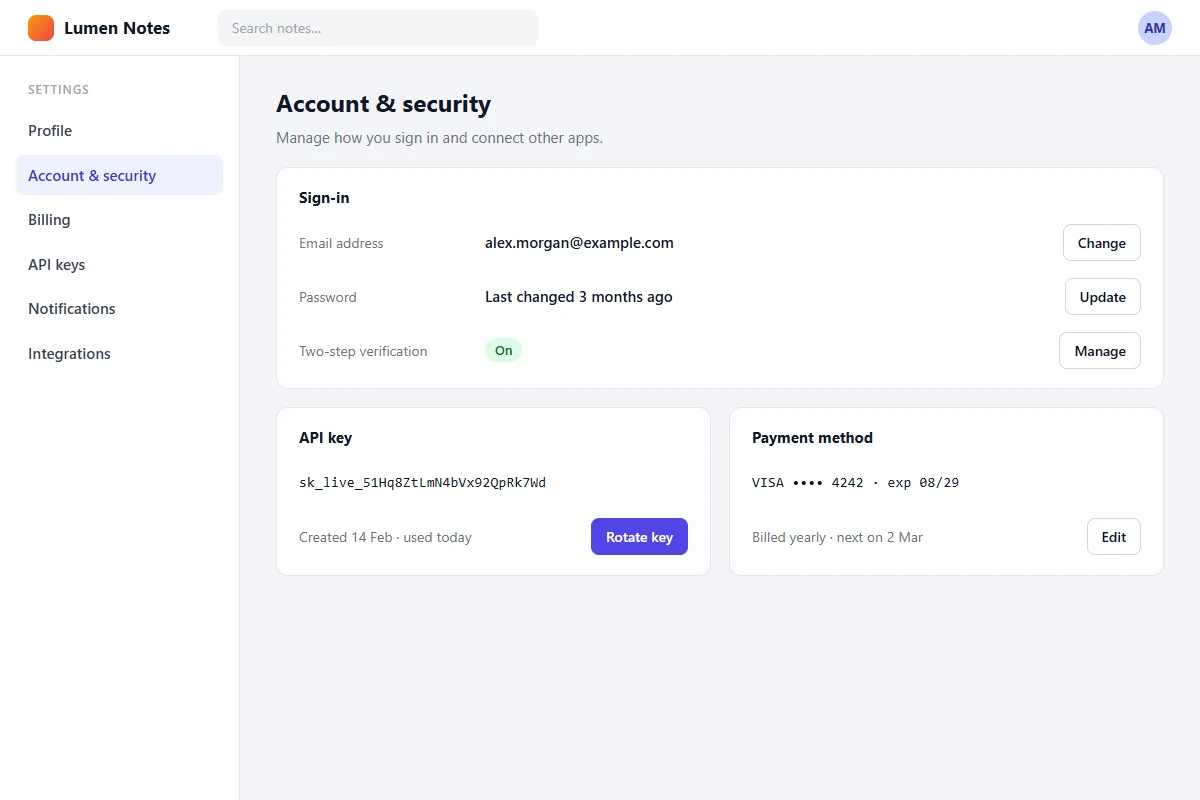
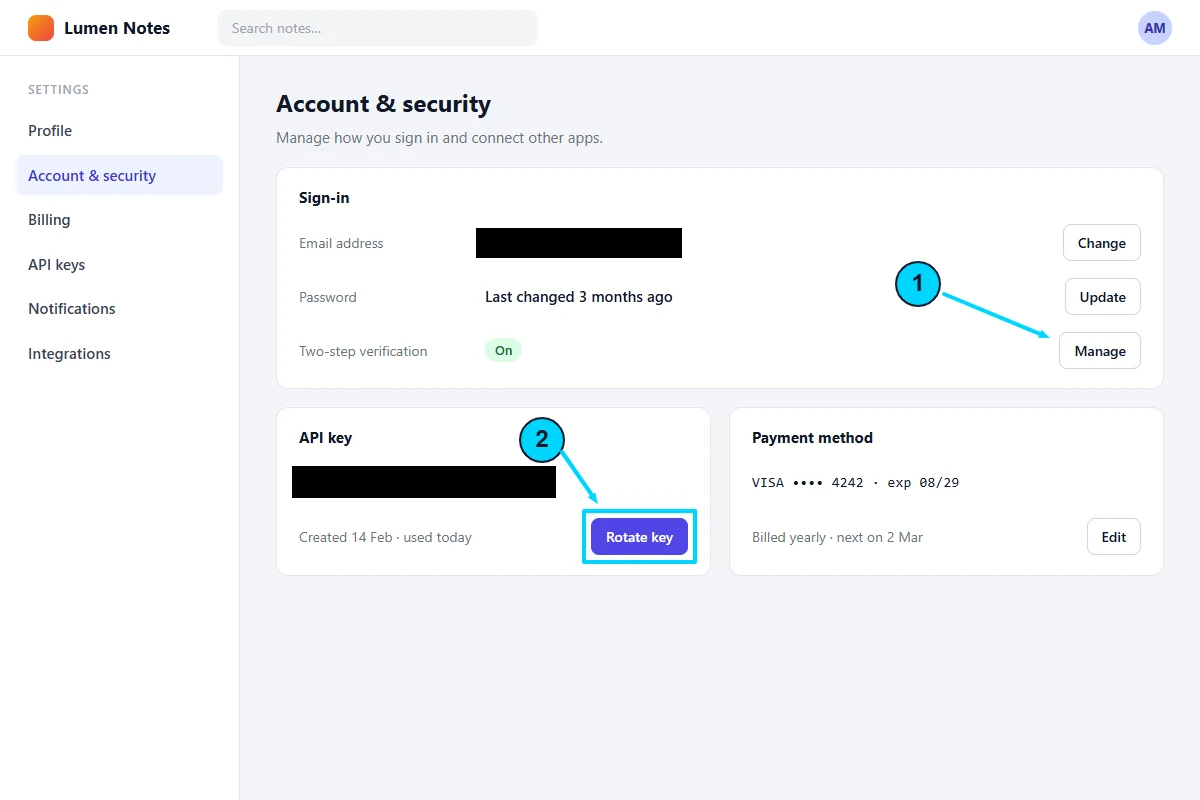
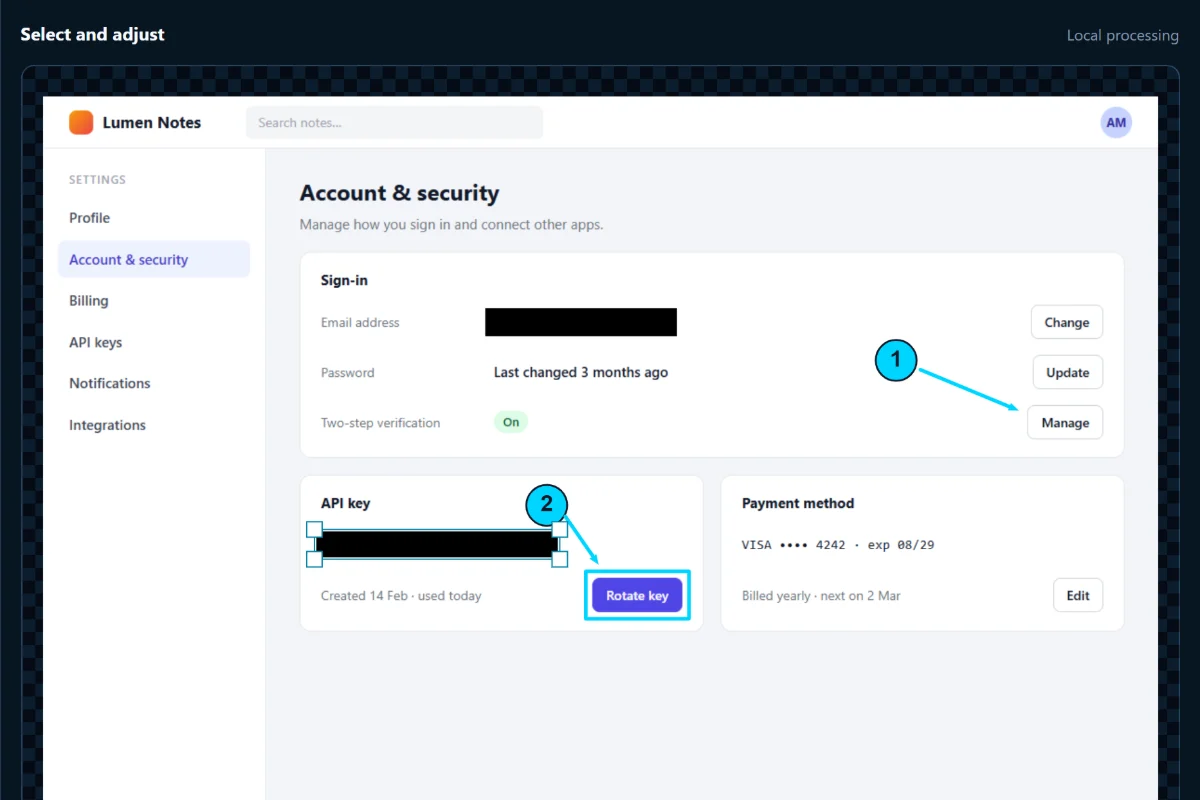
Annotate a screenshot, cover private details

A settings page of a notes app, showing an email address, an API key and buttons.
The same page exported from Screenshot Annotation Studio: step 1 and an arrow point to Manage two-step verification, step 2 and an arrow to Rotate key, and solid black covers replace the email address and API key.

Two numbered steps, two arrows, a box and solid covers, made in Kinetic Screenshot Annotation & Privacy Studio. Covered pixels are replaced in the exported file, not hidden under a layer.

Annotate a screenshot


Same photo, a fraction of the size

Colorful hillside houses above a harbour with moored boats on the Greek island of Symi. JPEG version.
Colorful hillside houses above a harbour with moored boats on the Greek island of Symi. AVIF version.

960 × 639 px. JPEG 260 KB, AVIF 142 KB: 45% smaller. Both made by Web Image Converter from the same 2400 px photo, with its own presets.

Convert your image

Put the pages in order

Select a page, then move it. With a mouse you can also drag it onto another page.

Download order: 1, 2, 3, 4. These are a sample trip plan’s pages as PDF Merge & Page Organizer previews them. The real tool merges up to 8 PDFs and saves the new order as one file.

Organize your PDFs

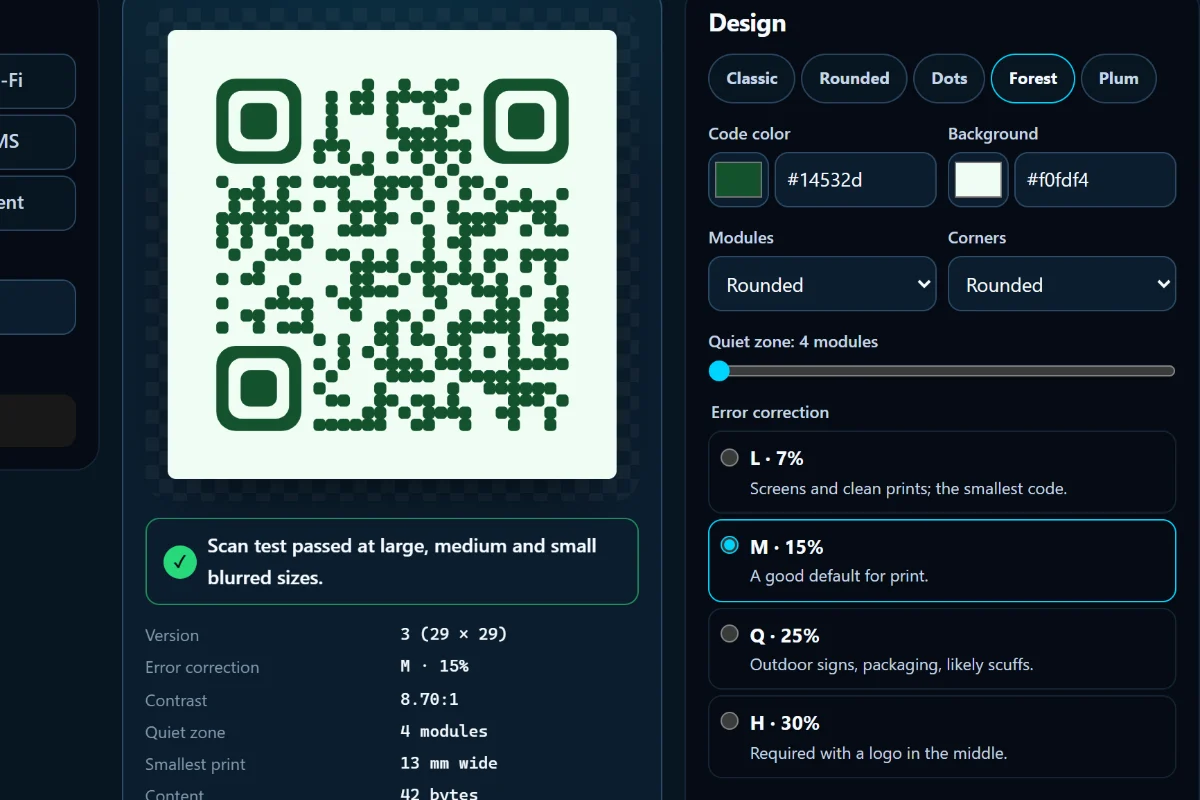
Type anything, get a code that never expires

32 bytes · version 3 · 29 × 29 modules

Static: what it opens is inside the pattern, with no redirect service that could switch it off.

Drawn by QR Code Studio’s own engine. The studio adds Wi-Fi, contacts and events, safe brand styling, a scan test before download, and SVG, PNG or PDF files.

Design your QR code

Shape a section divider

713 bytes of SVG, 3 layers. Drawn by the SVG Section Divider Generator’s own engine as you change it.

Open the generator

Feel the difference an easing curve makes

Photo
Caption
Button

transition-timing-function: cubic-bezier(0.25, 0.1, 0.25, 1);

Design your own curve

Smart workflows

Finish the whole task

Some jobs take more than one tool. Follow the stops in order: download your file from one tool, then add it to the next.

  1. Prepare images for a website

    Light, sharp images in the right shape for every screen.

    1. Responsive Image Crop & Focal Point PlannerCheck the focal point in five responsive crops
    2. Bulk Image ResizerResize the whole batch to the width your theme uses
    3. Web Image ConverterConvert to WebP or AVIF and compare the quality
  2. Create professional screenshots

    A clear, private screenshot ready for docs or a post.

    1. Kinetic Screenshot Annotation & Privacy StudioAdd arrows and numbered steps, cover private details
    2. Screenshot Beautifier & Mockup StudioPlace it on a background or in a browser frame
    3. OG & Social Image MakerTurn it into a share image for your article
  3. Organize and sign documents

    One complete, signed PDF, made without uploading it.

    1. PDF Merge & Page OrganizerMerge the files and put the pages in order
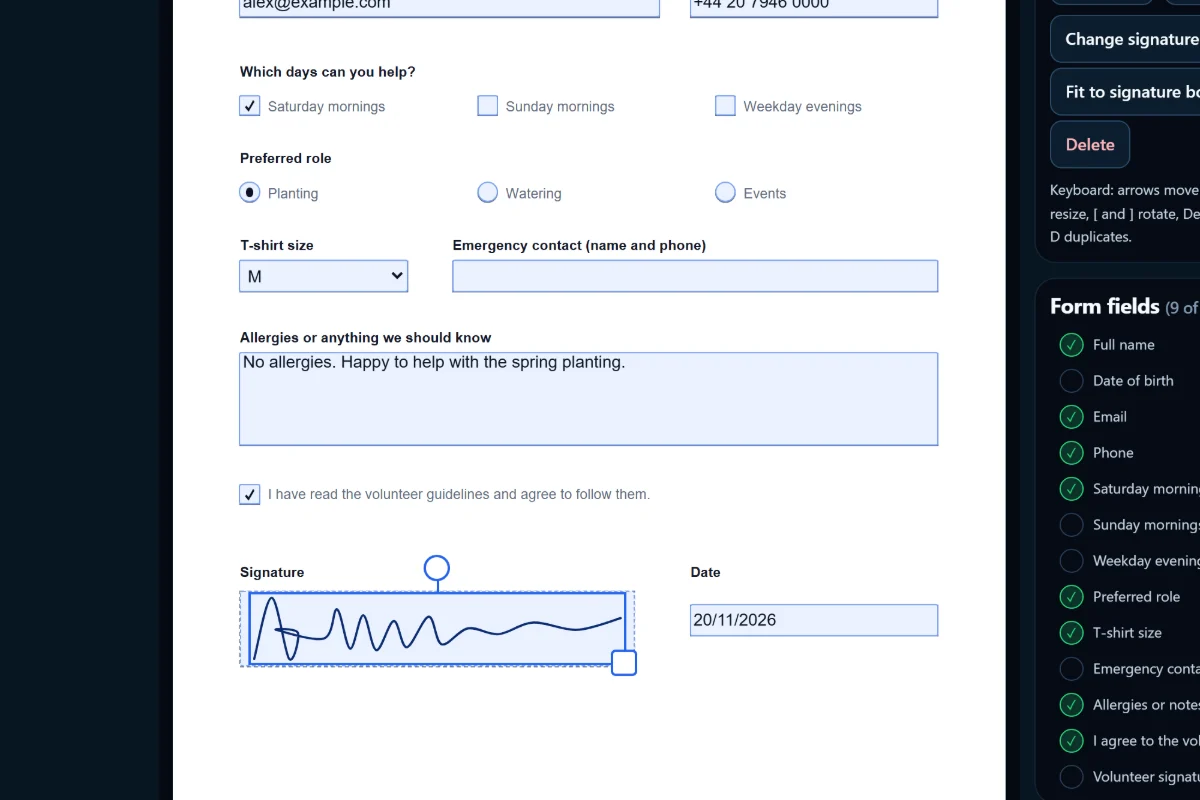
    2. PDF Fill & Sign StudioFill in the form, add initials and sign
  4. Build a WordPress design system

    Colors, type and spacing in one validated theme.json.

    1. WordPress Color Palette & Contrast StudioPick a palette and check its contrast
    2. CSS Clamp / Fluid Typography GeneratorSet fluid font sizes
    3. WordPress Spacing System GeneratorCreate spacing presets
    4. WordPress theme.json GeneratorBring it together in theme.json

Each stop is its own tool. Nothing is passed between tools automatically and nothing is stored: you choose your file again at each step.

Featured tools

Quick tools, one job each

Open, adjust, copy or download. Most take less than a minute.

  1. Bulk Image ResizerResize up to 50 JPG, PNG or WebP images at once and download them as a ZIP.Images & Media
  2. SVG Section Divider GeneratorCreate clean SVG shape dividers for transitions between page sections.CSS & Visual Design
  3. CSS Clamp / Fluid Typography GeneratorGenerate fluid CSS clamp() values and type scales, with CSS or WordPress theme.json font size presets.CSS & Visual Design
  4. WordPress Spacing System GeneratorDesign Gutenberg spacing presets, preview them live and export theme.json spacingScale or fluid spacingSizes.WordPress
  5. OG & Social Image MakerDesign Open Graph, X, LinkedIn and Facebook share images and export them as PNG or JPEG.SEO & Social
  6. Favicon & App Icon GeneratorTurn one image into favicon.ico, PNG favicons, Apple and Android icons, maskable icons and a web manifest.Images & Media

All tools

Every tool, by category

Free to use, no account. Filter by a word or a category, and star the tools you use often.

20 tools

Images & Media

Resize, convert and watermark photos, annotate and present screenshots, and create favicons and app icons in your browser.

  • Bulk Image ResizerResize up to 50 JPG, PNG or WebP images at once and download them as a ZIP.
  • Web Image ConverterConvert and compare AVIF, WebP, JPEG and PNG, optimize quality, and target a file size without uploading your image.
  • Responsive Image Crop & Focal Point PlannerPreview one image in five responsive crops, choose a focal point and copy matching object-fit and object-position CSS.
  • Image Watermark StudioAdd text or logo watermarks, tile your mark and download individual images or a small batch ZIP.
  • Screenshot Beautifier & Mockup StudioPresent screenshots on solid or gradient backgrounds with shadows, browser windows or a generic phone frame.
  • Kinetic Screenshot Annotation & Privacy StudioExplain screenshots with arrows, text and numbered steps. Cover private details, crop, review and export locally.
  • Favicon & App Icon GeneratorTurn one image into favicon.ico, PNG favicons, Apple and Android icons, maskable icons and a web manifest.
  • QR Code StudioCreate static QR codes for links, Wi-Fi, contacts and events, style them safely, test the scan and export SVG, PNG or PDF.

Documents

Merge, reorder and organize PDF pages in your browser, without uploading your documents.

  • PDF Merge & Page OrganizerMerge PDFs, reorder real page previews, rotate or delete pages and extract a selection without uploading files.
  • PDF Fill & Sign StudioFill PDF forms, add text, dates, checkmarks, initials and a visual signature, then download a flattened or fillable PDF.

CSS & Visual Design

Build responsive CSS grids, generate SVG dividers and fluid typography, and preview easing curves, then copy the code.

  • SVG Section Divider GeneratorCreate clean SVG shape dividers for transitions between page sections.
  • CSS Clamp / Fluid Typography GeneratorGenerate fluid CSS clamp() values and type scales, with CSS or WordPress theme.json font size presets.
  • Visual CSS Grid BuilderBuild responsive grid layouts, adjust item placement and spans at three screen sizes, then copy clean CSS and HTML.
  • Motion & Easing VisualizerPreview easing curves and CSS motion timing before you ship.
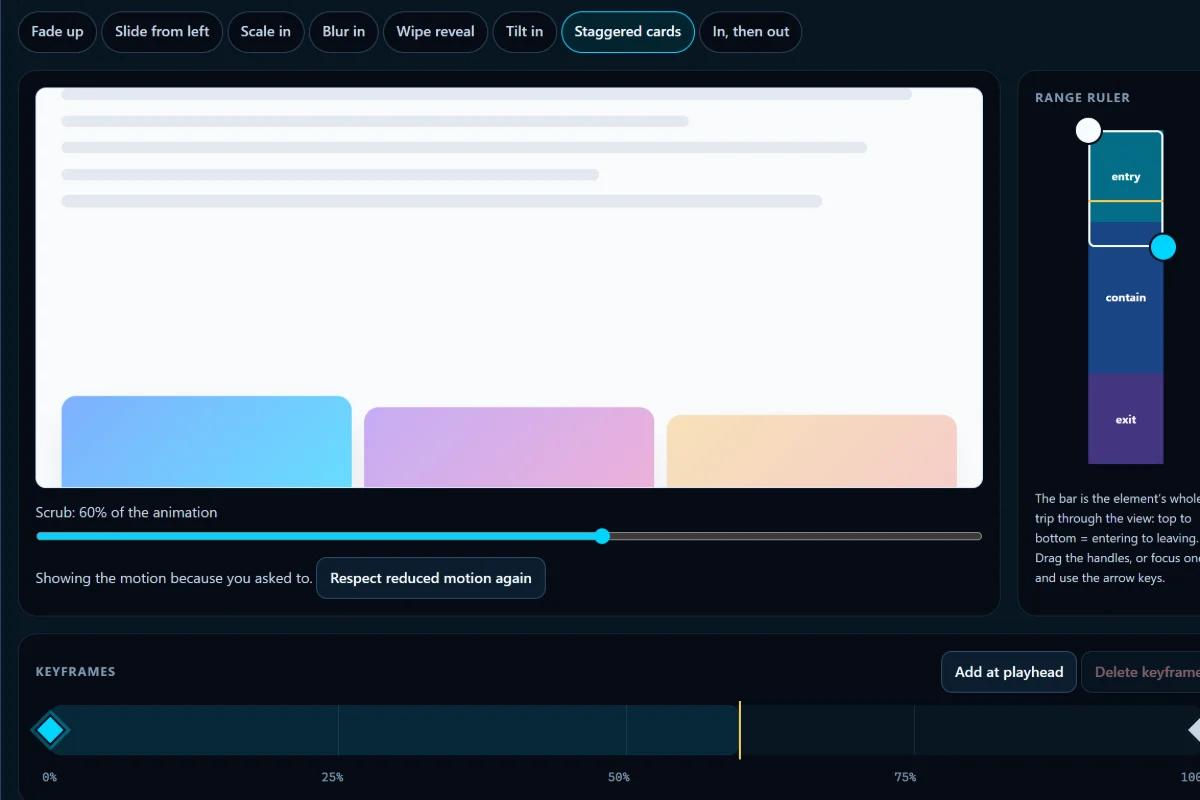
  • Scroll-Driven Animation StudioDesign CSS scroll-driven animations visually, preview entry, exit, cover and contain ranges, and export CSS with fallbacks.

WordPress

Design color palettes and Gutenberg spacing presets, check contrast, and build, validate or import a theme.json file for block themes.

  • WordPress Spacing System GeneratorDesign Gutenberg spacing presets, preview them live and export theme.json spacingScale or fluid spacingSizes.
  • WordPress theme.json GeneratorBuild, preview and validate theme.json for WordPress 6.6 to 7.1, or import an existing file safely.
  • WordPress Color Palette & Contrast StudioDesign a color palette, check WCAG text and UI contrast, preview components and export theme.json or CSS variables.

SEO & Social

Design Open Graph and social share images, preview how a page may appear in search results and link cards, and copy clean meta tags.

  • OG & Social Image MakerDesign Open Graph, X, LinkedIn and Facebook share images and export them as PNG or JPEG.
  • Meta & Social PreviewPreview search results, Open Graph and X cards, check your metadata and copy clean meta tags.

Your tools

Recent and favorite tools

Kept in this browser only: just which tools, never your files or results. Nothing is sent to us.

Recently opened

    Tools you open appear here.

    Favorites

      Select the star next to a tool in All tools to keep it here.

      Guides

      Learn the why, next to the tool

      Short, practical explanations written into the tool pages. Each link opens the guide beside the tool that applies it.

      Privacy and trust

      Your files stay with you

      The tools open your files in this browser tab and work on them there. There is no upload step, no account and no file storage on our side.

      1. Your fileChosen, dropped or pasted from your device
      2. This browser tabThe tool’s code reads and changes it in memory
      3. Your resultDownloaded, copied or shared by you

      Our servers send the page and the tool’s code. They never receive your files or what you make with them.

      How a file moves: from your device, into the tool in this browser tab, back to you as a download. Our servers are not part of it.

      Check it yourself

      Open your browser’s developer tools, choose the Network tab and use a tool: no request carries your file. Some tools fetch a code module the first time you use a feature, such as the AVIF encoder or the PDF renderer; after that they keep working without a connection while the page stays open.

      Honest limits

      Your device does the work, so very large files are slower on phones and can be refused. Each tool states its own limits, such as 8 PDFs and 60 MB in the PDF organizer, and explains what its output does and doesn’t keep.

      Analytics only with consent

      Google Analytics loads only if you accept it, and then counts fixed events such as “a file was downloaded”. Never file names, contents, text you type or results.

      What this browser remembers

      Your analytics choice, your recent and favorite tools, a few tool settings and answers to “Was this useful?”. All of it stays in this browser’s local storage, and you can clear it at any time. Details are in the Privacy Policy.

      Sample photos: Symi harbour by Jebulon and a tulip field by Filio, both CC0 via Wikimedia Commons. The settings page in the screenshot demo is made up.